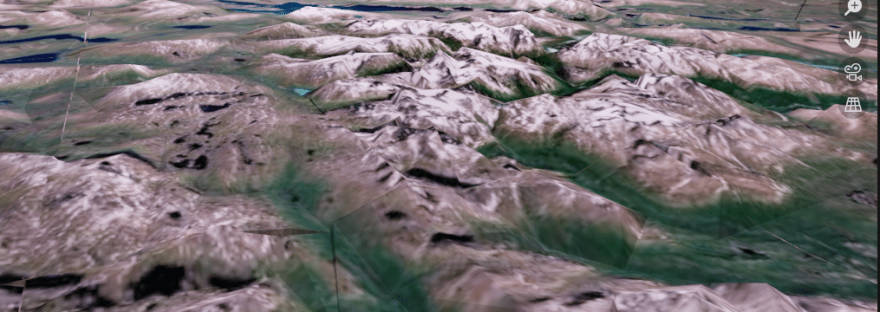
There’s lots of ways of getting Earth geographic data into Blender, and I really love all of them. It’s so fun to create 3D worlds in Blender:
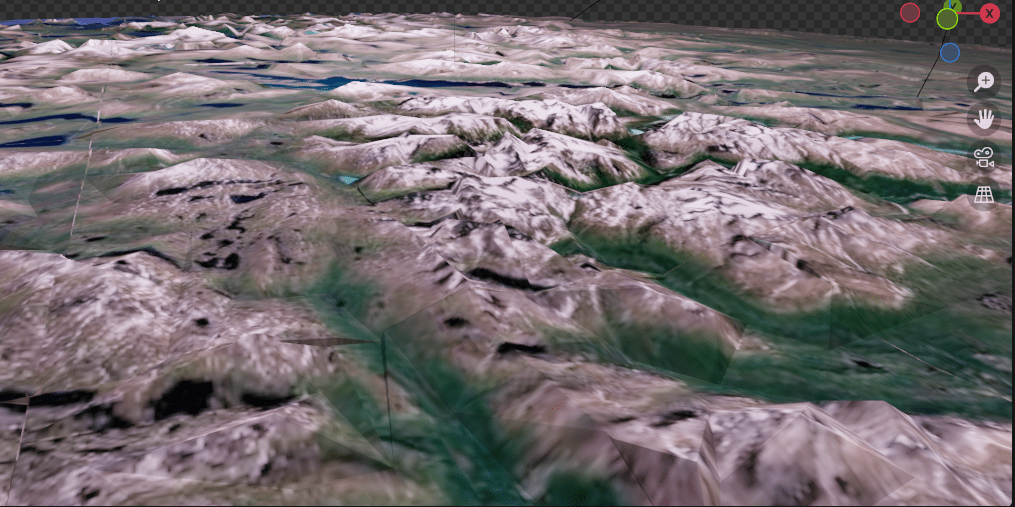
This particular mountain scene I got through this technique wherein you can get the data that you see on Google Maps and Google Earth.
And I used this tutorial:
I first used this tutorial a few years ago, and then last year, I came back to this technique and refreshed myself on how to do it (I also had to re-download updated versions of all the programs you need. It is a bit of a pain to put it all together and marry the correct versions with each other, but it’s worth it.)
I again came back to this technique this month, because I wanted the Swedish mountains. When I went to the youtube channel of the person who made the video above, he had made a whole new video, with further complications, because apparently with new versions of chrome, the old procedure no longer works.
However, I found out that what I had put together from last year DOES still work! I think the trick is that instead of going to google maps, go to google Earth, and that should work. So hopefully that saves some people the time and energy of needlessly updating their workflow.
I put my Swedish mountains into a short video: (about 5 seconds in)

 mejshasan.com